
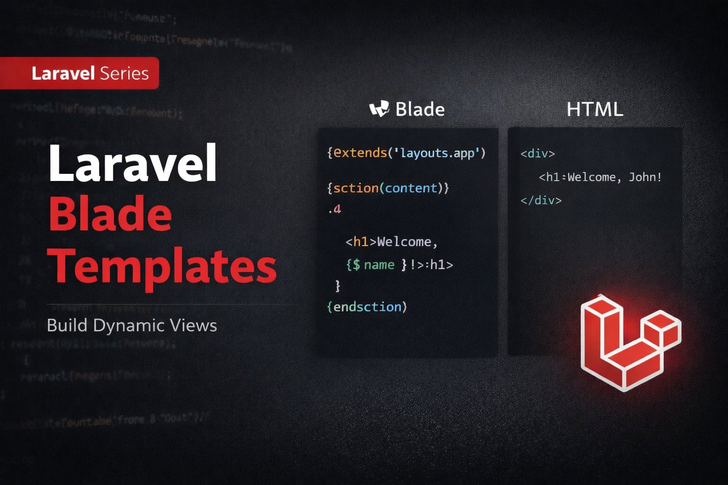
📌 What is Blade?
Blade is Laravel’s powerful templating engine that makes it easy to separate PHP logic from HTML.
It allows you to write clean, readable, and maintainable code.
Key Features:
- Template inheritance (layouts)
- Control structures (
if,for,foreach) - Easy variable output
- Components & slots
🔹 Why Use Blade Instead of Plain PHP?
| Feature              | Plain PHP | Blade                    |
| -------------------- | --------- | ------------------------ |
| Syntax readability   | ❌ Messy   | ✅ Clean & concise        |
| Template inheritance | ❌ Manual  | ✅ Built-in               |
| Loops & conditions   | ❌ Verbose | ✅ Easy `@foreach`, `@if` |
| Escaping output      | ❌ Manual  | ✅ Automatic with `{{ }}` |
📂 Blade File Location
Blade templates are stored in:
resources/views/
Blade files have the .blade.php extension.
Example: home.blade.php
🔹 Basic Blade Syntax
Displaying Data
<h1>Hello, {{ $name }}</h1>
{{ }}→ outputs data safely escaped{!! $html !!}→ outputs raw HTML (unsafe, use carefully)
Blade Comments
{{-- This is a Blade comment --}}
- Not visible in browser source code
- Useful for developer notes
Control Structures
Conditional Statements
@if($age >= 18)
    <p>You are an adult.</p>
@else
    <p>You are a minor.</p>
@endif
Loops
@foreach($users as $user)
    <p>{{ $user->name }}</p>
@endforeach
🔹 Layouts & Template Inheritance
Blade allows layouts to avoid repeating HTML structure.
Create a Layout
resources/views/layouts/app.blade.php:
<!DOCTYPE html>
<html>
<head>
    <title>@yield('title')</title>
</head>
<body>
    <div class="container">
        @yield('content')
    </div>
</body>
</html>
Extend Layout in a Page
resources/views/home.blade.php:
@extends('layouts.app')

@section('title', 'Home Page')

@section('content')
    <h1>Welcome to Laravel Blade</h1>
    <p>This is your first Blade page.</p>
@endsection
@extends→ inherit layout@section→ define content for layout@yield→ placeholder in layout
🔹 Blade Components & Slots
Components are reusable UI elements.
Create Component
php artisan make:component Alert
- File created:
app/View/Components/Alert.php - Blade view:
resources/views/components/alert.blade.php
Component Blade
<div class="alert alert-{{ $type }}">
    {{ $message }}
</div>
Use Component
<x-alert type="success" message="Data saved successfully!" />
🔹 Passing Data to Blade
From Controller:
public function index()
{
    $users = User::all();
    return view('home', compact('users'));
}
In Blade:
@foreach($users as $user)
    <p>{{ $user->name }}</p>
@endforeach
🔹 Blade Includes
Include small templates:
@include('partials.header')
@include('partials.footer')
- Keeps code DRY (Don’t Repeat Yourself)
- Works well for menus, footers, and sidebars
📌 Key Takeaways
This week you learned:
- What Blade is and why it’s better than plain PHP
- Blade syntax for variables, loops, and conditions
- How to use layouts & template inheritance
- Components & slots for reusable UI
- How to include partials and pass data from controllers