
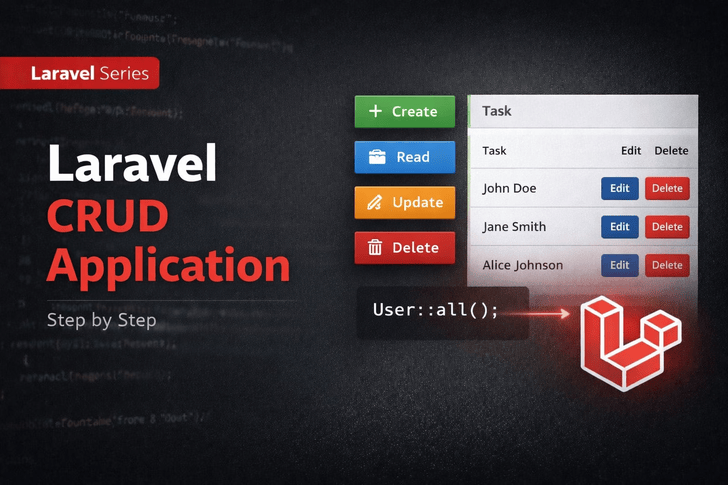
📌 What is CRUD?
CRUD stands for:
- Create → Add new records
- Read → View records
- Update → Edit existing records
- Delete → Remove records
CRUD is the backbone of any web application. Laravel makes building CRUD applications easy and structured.
⚙️ Step 1: Setup Laravel Project
If you haven’t already:
composer create-project laravel/laravel laravel-crud
cd laravel-crud
php artisan serve
Open browser: http://127.0.0.1:8000/
🔹 Step 2: Create Model & Migration
We’ll create a Post model:
php artisan make:model Post -m
-m→ generates a migration file automatically
Edit migration file database/migrations/xxxx_create_posts_table.php:
public function up() {
    Schema::create('posts', function (Blueprint $table) {
        $table->id();
        $table->string('title');
        $table->text('body');
        $table->timestamps();
    });
}
Run migration:
php artisan migrate
🔹 Step 3: Create Controller
php artisan make:controller PostController --resource
--resource→ generates all CRUD methods automatically
🔹 Step 4: Define Routes
In routes/web.php:
use App\Http\Controllers\PostController;

Route::resource('posts', PostController::class);
This creates all 7 RESTful routes for CRUD:
| Method    | Route            | Action  |
| --------- | ---------------- | ------- |
| GET       | /posts           | index   |
| GET       | /posts/create    | create  |
| POST      | /posts           | store   |
| GET       | /posts/{id}      | show    |
| GET       | /posts/{id}/edit | edit    |
| PUT/PATCH | /posts/{id}      | update  |
| DELETE    | /posts/{id}      | destroy |
🔹 Step 5: Implement Controller Methods
app/Http/Controllers/PostController.php:
use App\Models\Post;
use Illuminate\Http\Request;

class PostController extends Controller
{
    public function index() {
        $posts = Post::all();
        return view('posts.index', compact('posts'));
    }

    public function create() {
        return view('posts.create');
    }

    public function store(Request $request) {
        $request->validate([
            'title' => 'required',
            'body' => 'required'
        ]);

        Post::create($request->all());
        return redirect()->route('posts.index')->with('success','Post created successfully.');
    }

    public function show(Post $post) {
        return view('posts.show', compact('post'));
    }

    public function edit(Post $post) {
        return view('posts.edit', compact('post'));
    }

    public function update(Request $request, Post $post) {
        $request->validate([
            'title' => 'required',
            'body' => 'required'
        ]);

        $post->update($request->all());
        return redirect()->route('posts.index')->with('success','Post updated successfully.');
    }

    public function destroy(Post $post) {
        $post->delete();
        return redirect()->route('posts.index')->with('success','Post deleted successfully.');
    }
}
🔹 Step 6: Create Blade Views
1. posts/index.blade.php
@extends('layouts.app')

@section('content')
    <h1>All Posts</h1>
    <a href="{{ route('posts.create') }}">Create Post</a>
    @foreach($posts as $post)
        <div>
            <h3>{{ $post->title }}</h3>
            <p>{{ $post->body }}</p>
            <a href="{{ route('posts.edit', $post->id) }}">Edit</a>
            <form action="{{ route('posts.destroy', $post->id) }}" method="POST">
                @csrf
                @method('DELETE')
                <button type="submit">Delete</button>
            </form>
        </div>
    @endforeach
@endsection
2. posts/create.blade.php
@extends('layouts.app')

@section('content')
<h1>Create Post</h1>
<form action="{{ route('posts.store') }}" method="POST">
    @csrf
    <input type="text" name="title" placeholder="Title">
    <textarea name="body" placeholder="Body"></textarea>
    <button type="submit">Save</button>
</form>
@endsection
3. posts/edit.blade.php
@extends('layouts.app')

@section('content')
<h1>Edit Post</h1>
<form action="{{ route('posts.update', $post->id) }}" method="POST">
    @csrf
    @method('PUT')
    <input type="text" name="title" value="{{ $post->title }}">
    <textarea name="body">{{ $post->body }}</textarea>
    <button type="submit">Update</button>
</form>
@endsection
🔹 Step 7: Add Validation & Flash Messages
- Already added
$request->validate()in controller - Use session flash in Blade to display success messages:
@if(session('success'))
    <div>{{ session('success') }}</div>
@endif
📌 Key Takeaways
This week you learned:
- How to build a CRUD application in Laravel
- How to use resource controllers
- How to use Blade views for CRUD forms
- How to validate data and use flash messages
- How Laravel simplifies RESTful routes