
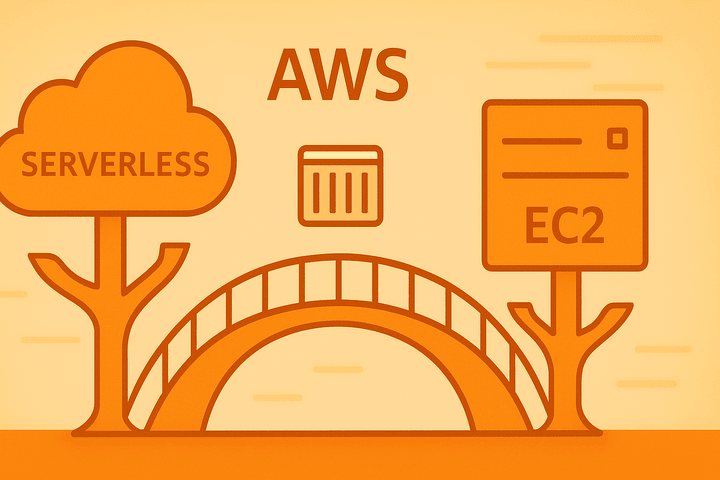
AWS has unveiled a new deployment option for Amazon Elastic Container Service (ECS) called "Managed Instances," aiming to combine the hands-off ease of Fargate with the flexibility and cost-effectiveness of traditional EC2 instances. This new capability, currently in preview, directly addresses a long-standing point of friction for teams running ECS clusters.
The Problem: Fargate vs. EC2 - A Trade-Off
Until now, ECS users faced a classic dilemma:
- AWS Fargate (Serverless): Simplifies operations by abstracting away the underlying servers. You don't manage EC2 instances, but you have less control over the OS, higher cost for consistent workloads, and limitations on using certain instance types or third-party sidecars.
- EC2 Launch Type (Self-Managed): Offers full control, lower cost for steady-state workloads, and flexibility to run specialized software on the host. The downside is the operational overhead of patching, securing, and scaling the EC2 instances yourself.
The Solution: ECS Managed Instances
ECS Managed Instances introduces a third path. With this model:
- You Get a Managed VM: AWS provisions, manages, and maintains the underlying EC2 instances for you, handling OS patching, security, and host-level repairs.
- You Keep Flexibility: Unlike Fargate, you retain SSH access for debugging, can run background processes and sidecars (like Datadog or Istio agents) directly on the host, and have more granular control over the instance lifecycle.
- It's Cost-Effective: By using EC2 instances under the hood, it can be more economical than Fargate for workloads with predictable resource usage, especially when leveraging Savings Plans or Reserved Instances.
In essence, AWS manages the "infrastructure" part of the VM, while you retain control over the "application environment" inside it.
Key Benefits for Developers & DevOps
- Reduced Operational Toil: Say goodbye to manually applying security patches or worrying about instance health checks. AWS handles the undifferentiated heavy lifting of the infrastructure.
- Enhanced Debugging Capabilities: The ability to SSH into a managed instance is a game-changer for troubleshooting complex application issues that are difficult to diagnose in a purely serverless environment.
- Sidecar & Agent Support: This is a major win for teams invested in the service mesh pattern or reliant on monitoring and logging agents that need to run alongside your containers.
- Simplified Cluster Management: Managed Instances can coexist with existing Fargate and self-managed EC2 tasks within the same ECS cluster, allowing for a gradual, service-by-service migration.
How to Get Started
The "Managed Instances" capability is currently in preview. You can get started by:
- Registering the preview in the ECS Console > Account Settings.
- Using the AWS CLI or CloudFormation to create a new capacity provider for your cluster.
- Deploying your services to use the new
MANAGED_INSTANCElaunch type.
The Bottom Line for devs3.pro Readers
ECS Managed Instances is a significant evolution for AWS container orchestration. It doesn't replace Fargate or EC2 but provides a crucial middle ground that many teams have been waiting for.
- Choose Fargate for pure, hands-off serverless container execution.
- Choose Managed Instances when you need the cost profile and flexibility of EC2 but want to offload the management burden.
- Choose Self-Managed EC2 for maximum control and highly specialized host-level requirements.
This new option empowers teams to optimize their container strategy based on the specific needs of each workload, further solidifying ECS as a versatile and powerful platform for modern applications.
Ready to experiment? Check the official AWS ECS documentation for detailed guides on the preview.